


Gear ratio calculator
Gear ratio calculator
Calculate gear ratio, output speed, theoretical loss-free output torque and rotation direction for a simple gear pair. Inputs, formula and interpretation are separated so you can verify the result before using it for a configurable part.
Calculate
Schematic illustration – not to scale.
Schematic illustration – not to scale.
Formula
i = z2 / z1
The formulas assume standard spur gears with the same module and no profile shift.
Step by step
- Enter the measured or planned values with their units.
- Check the formula with substituted values in the result area.
- Copy the parameters or open a related product for configuration.
Complete worked example
Worked example with typical workshop values: insert the inputs, apply i = z2 / z1 and compare the result with the reference table.
| 2 | 30 | 60 mm |
| 1 | 40 | 40 mm |
| 3 | 20 | 60 mm |
Assumptions and limitations
- The formulas assume standard spur gears with the same module and no profile shift.
Common input mistakes
- Decimal comma and point are accepted, but do not type units into numeric fields.
- For gears, the tooth count must be a whole number in practice.
FAQ
Do two gears need the same module?
Yes, meshing spur gears normally require the same module.
Can I manufacture directly from this result?
Use the value as a calculation and configuration aid. Loaded or standards-critical parts need engineering review.
Related products
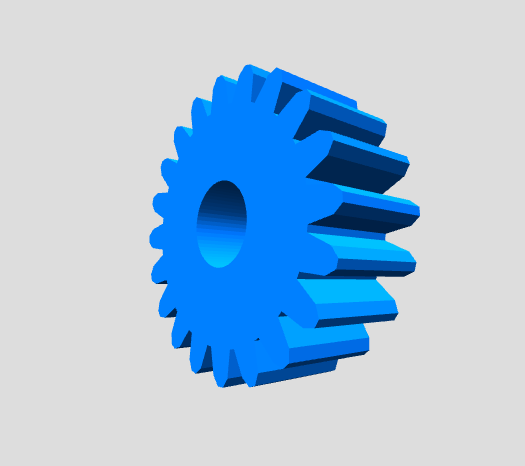 Simple gear
Configure a custom simple gear online and adjust Number of teeth, Specific dimension, Depth and Bore diameter to your application.
Configure product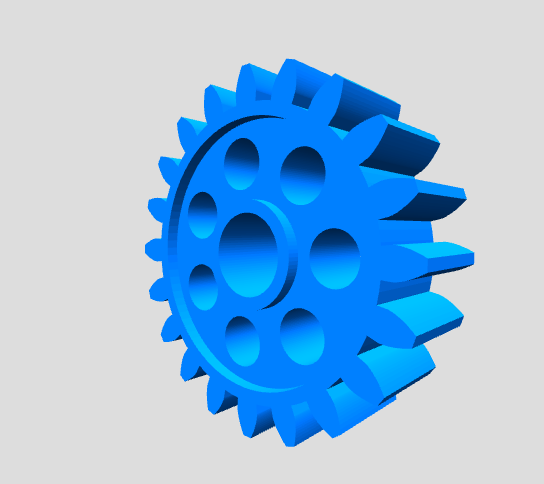 Involute spur gear
Configure a custom involute spur gear online and adjust Module, Number of teeth, Width and Bore diameter to your application.
Configure product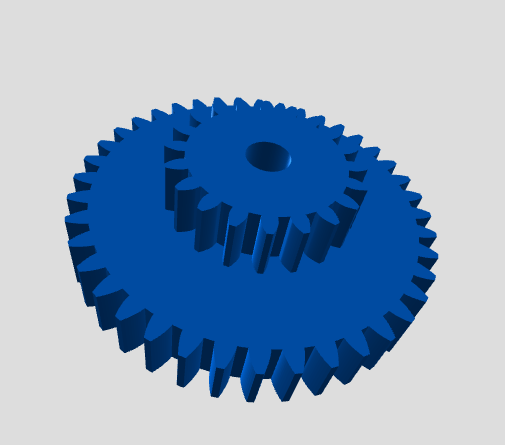 Compound involute gear
Configure a custom compound involute gear online and adjust Module, Number of teeth and Width to your application.
Configure product Gear combination
Configure a custom gear combination online and adjust Diameter, Specific dimension, Depth and Height to your application.
Configure product