

STL tutorials ·
Add an SVG logo as a raised relief
Turn an SVG logo or QR code into real relief geometry on a 3D model.
Deutsch · English · Français · Español
Turn an SVG logo or QR code into real relief geometry on a 3D model.
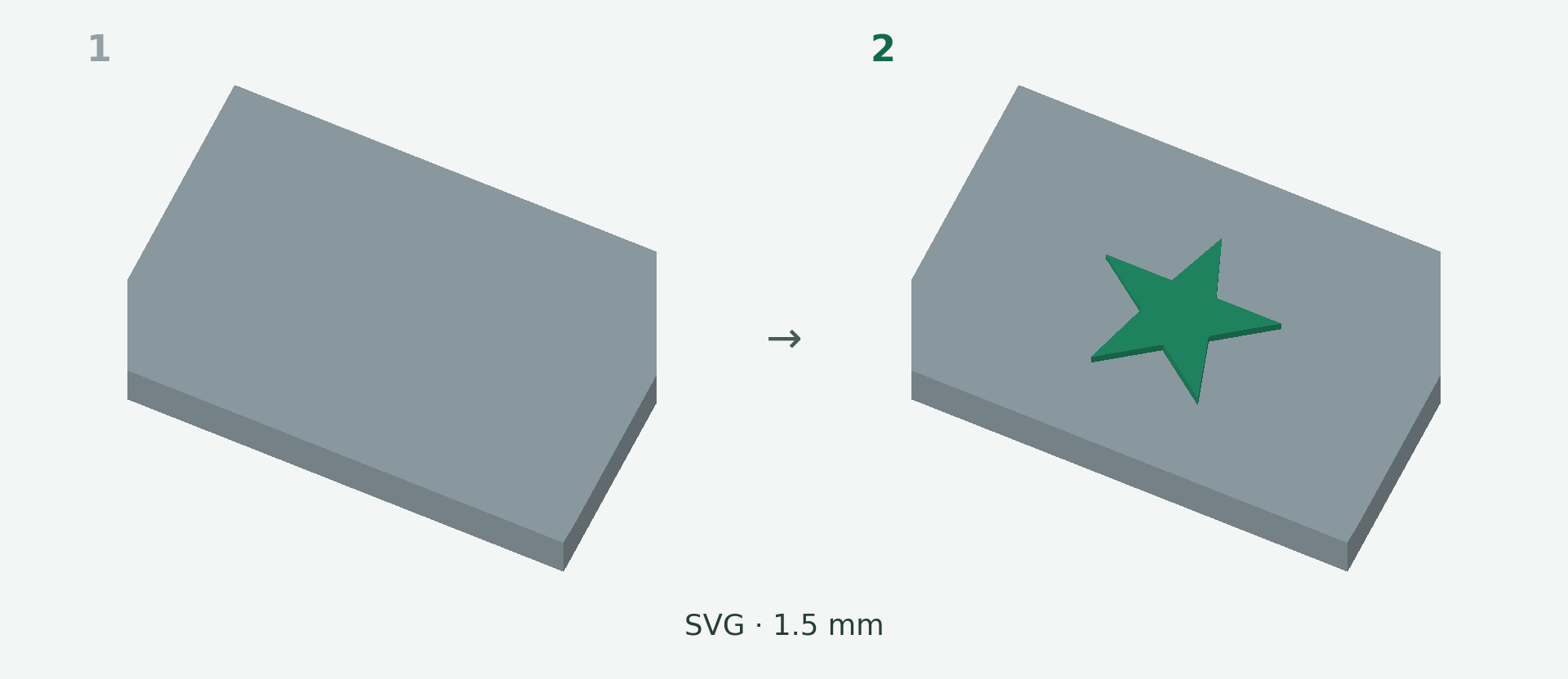
Rendered example views: 1 shows the original model and 2 the calculated result. The images illustrate the model geometry, not the editor interface.
A simple example
A star from an SVG file should appear raised on a plate. The example uses a 22 mm design width and a 1.5 mm relief height before embedding.
Step by step
- Choose Add, then SVG / Logo / QR Code, and upload the SVG file.
- Set the motif width in millimetres and the relief height. Choose all colours except white or dark regions only.
- Click the target area on the model and move or rotate the motif.
- Check cut-outs, orientation and the connection in the calculated result preview, then apply.
What to check
Convert SVG lettering to paths before uploading. Prefer a flat surface for QR codes, leave a clear quiet zone and scan the finished print. Raster images, gradients and masks are not supported as arbitrary SVG content.
Preview and save
A preview is not a saved change. Wait for the checked result and choose Apply. If the button is disabled, read the message and check the selection or inputs. The offered STL download is paid; you will see the current price before purchase.
Nächster Schritt