Zum Hauptinhalt springen

STL tutorials ·

Repair an STL and close openings

Select open mesh boundaries and inspect the repair before applying it.
Repair an STL and close openingsSTL
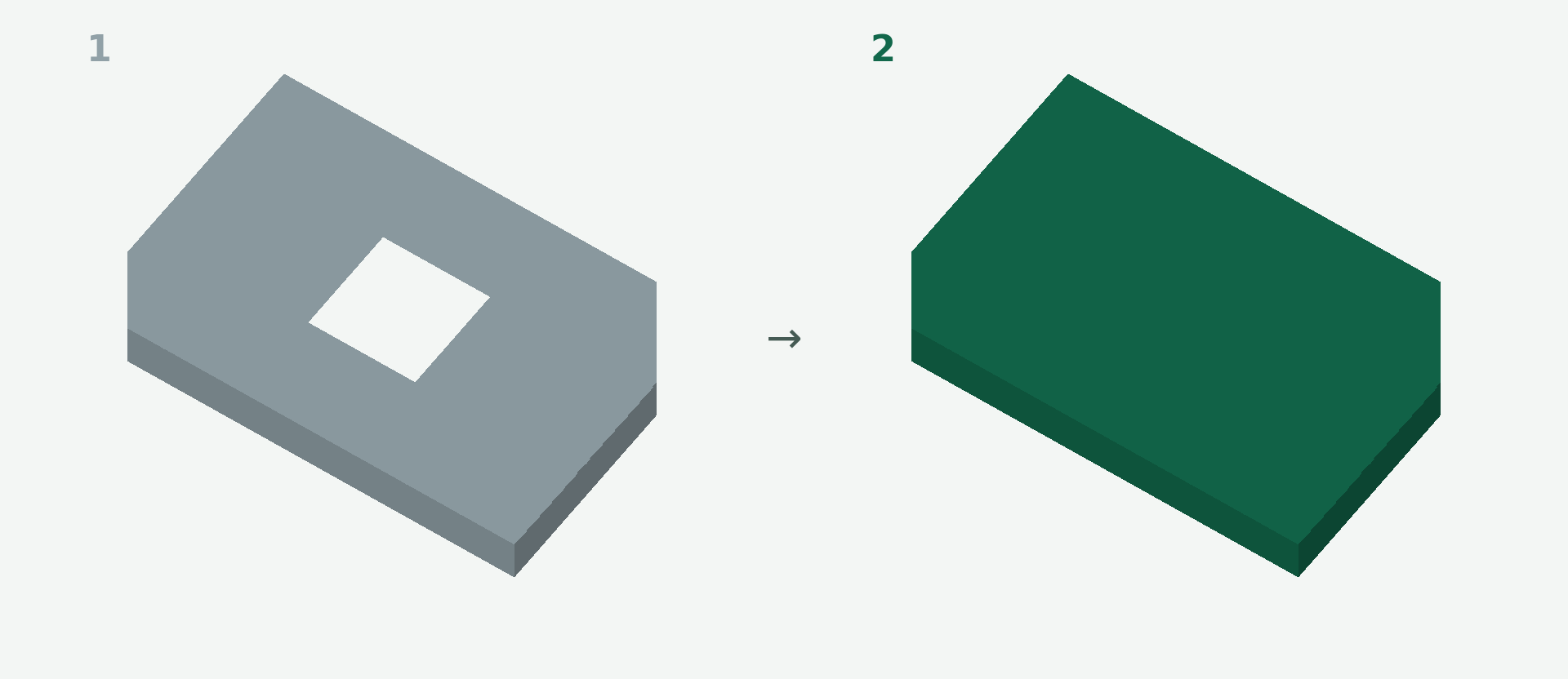
Before and after: Repair an STL and close openings. 1 → 2.

Deutsch · English · Français · Español

Select open mesh boundaries and inspect the repair before applying it.

Rendered example views: 1 shows the original model and 2 the calculated result. The images illustrate the model geometry, not the editor interface.

A simple example

A plate is missing an end surface. You want to close that specific opening.

Step by step

  1. Open Repair and wait for the opening analysis.
  2. Select a suitable opening on the model or in the list. Check the highlighted boundary.
  3. Inspect the calculated preview. If there are several openings, check which ones remain open.
  4. Apply the repair step you want to keep.

What to check

Whole-model repair offers exact and approximate options. Approximate reconstruction can alter small details and gaps. Some openings cannot be closed safely automatically.

Preview and save

A preview is not a saved change. Wait for the checked result and choose Apply. If the button is disabled, read the message and check the selection or inputs. The offered STL download is paid; you will see the current price before purchase.

Nächster Schritt

Bereit für den nächsten Schritt?

Mindestbestellwert noch nicht erreicht

Für physische 3D-Drucke gilt ein Mindestbestellwert von 10,00 €. Dir fehlen noch . Digitale STL-Dateien und Versandkosten zählen nicht zum Mindestbestellwert.

Du kannst weitere Produkte auswählen oder die Menge eines vorhandenen 3D-Drucks erhöhen.

Photo to 3D

What would you like to create? Choose an option – you will upload your source on the next page.

Example of a 3D relief created from a photo Photo to ReliefTurn your photo into a tactile 3D relief.Proven relief configurator · STL or printed partStart now → Example of a personalized 3D figurine created from a photo Photo to FigurineTurn your photo into a personalized 3D figurine with individual shape and color.Turntable preview · print or digital STLStart now → Floor plan and the spatial 3D model created from it Floor Plan to 3DTurn your floor plan into a spatial 3D model with detected walls and openings.Review preview · confirm recognition and assumptionsStart now → Technical drawing and the 3D part created from it Drawing to 3DCreate a printable 3D model from a technical drawing when geometry and dimensions can be identified clearly.Review preview · verify dimensions and viewsStart now →