

STL tutorials ·
Add cylinders and basic shapes to an STL
Add a pin, box or another basic solid and join it to your model.
Deutsch · English · Français · Español
Add a pin, box or another basic solid and join it to your model.
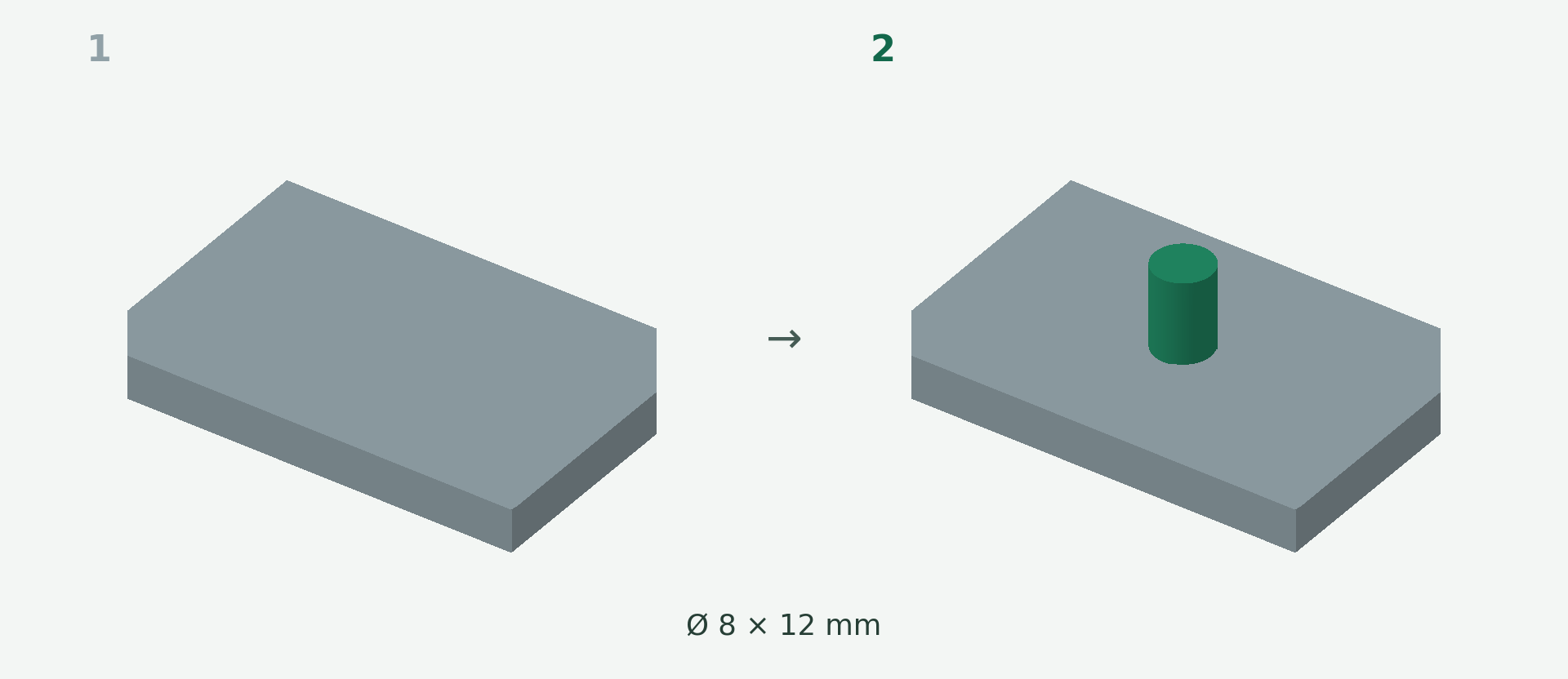
Rendered example views: 1 shows the original model and 2 the calculated result. The images illustrate the model geometry, not the editor interface.
A simple example
A plate needs a cylindrical locating pin. The example uses an 8 mm diameter and 12 mm height before embedding.
Step by step
- Open Add and choose Cylinder.
- Set the dimensions and click the placement area on the model.
- Move and orient the cylinder. Set the embedding so it overlaps the base body.
- Inspect the calculated union and apply. Repeat for more pins.
What to check
A basic solid keeps its shape; it is not bent over a curved surface like text. Mere touching without overlapping material is not enough for a reliable join.
Preview and save
A preview is not a saved change. Wait for the checked result and choose Apply. If the button is disabled, read the message and check the selection or inputs. The offered STL download is paid; you will see the current price before purchase.
Nächster Schritt