


STL tutorials ·
Add a hole to an STL
Place a through hole or blind hole and check its diameter, depth and distance from the edge.
Deutsch · English · Français · Español
Place a through hole or blind hole and check its diameter, depth and distance from the edge.
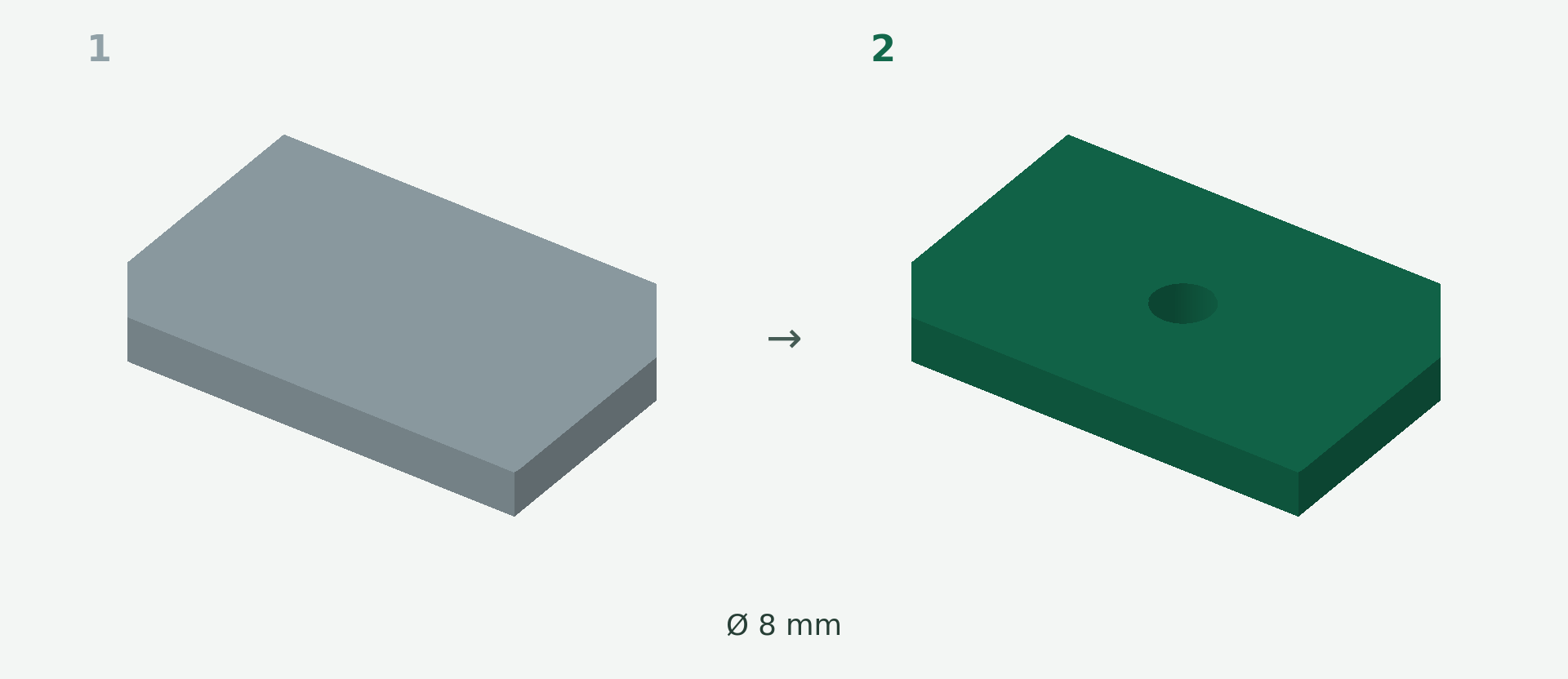
Rendered example views: 1 shows the original model and 2 the calculated result. The images illustrate the model geometry, not the editor interface.
A simple example
A 6 mm thick plate needs an extra mounting hole with a 8 mm diameter.
Step by step
- Choose Hole and click the entry point on the model.
- Set the diameter to 8 mm. Choose through mode for a through hole, or blind mode and a depth for a blind hole.
- Move the centre and adjust the direction if needed. Surface coordinates help with precise placement.
- Wait for the result preview. Check the entry, exit and remaining walls, then apply.
What to check
A 4 mm blind depth only makes sense if sufficient material remains behind it. The geometric diameter alone does not guarantee a screw fit.
Preview and save
A preview is not a saved change. Wait for the checked result and choose Apply. If the button is disabled, read the message and check the selection or inputs. The offered STL download is paid; you will see the current price before purchase.
Nächster Schritt