

Montage-Hacks without CAD: 9 parte, die jeden Aufbau sofort stabiler machen
Du musst nicht alles neu konstruieren. In 90% der Fälle brauchst du nur das richtige Grundteil: Profile, bracket or plate - and then a few measurements. Here are 9 "bread-and-butter" parts that make superstructures stable faster than any improvisation.
Mini-Regel: Which Maße reichen meist?
- Length (installation space)
- width/Höhe (edition / stability)
- materialstärke / Wand (Stiffness)
- boreen / holeanzahl (assembly image)
Die 9 parte (kurz, praxisnah, sofort nutzbar)
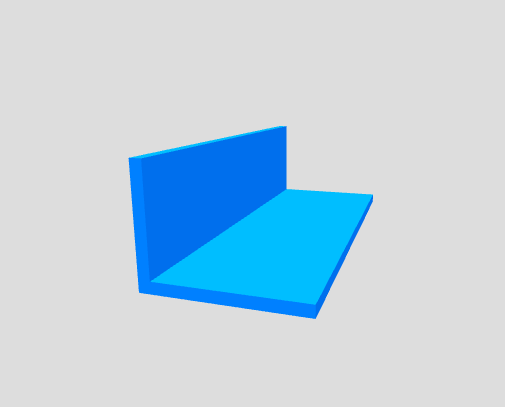
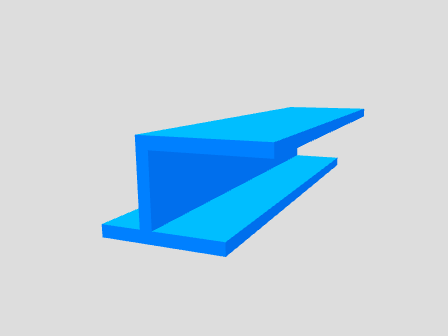
Kanten verstärken, angle bilden, faste holder. Stell Schenkel X/Y + Stärke ein.
🚀 Configure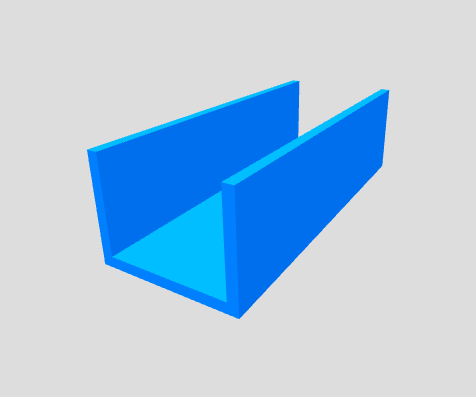
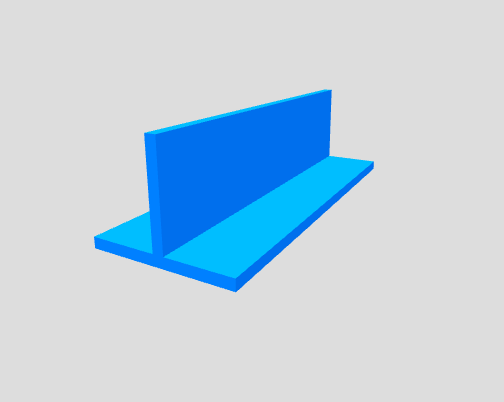
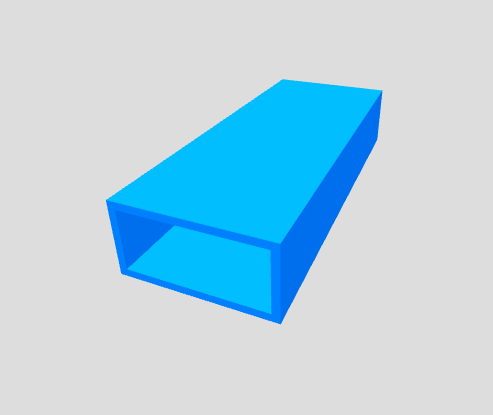
Frame/beam: Outer width/height + wall thickness for stability.
🚀 Configure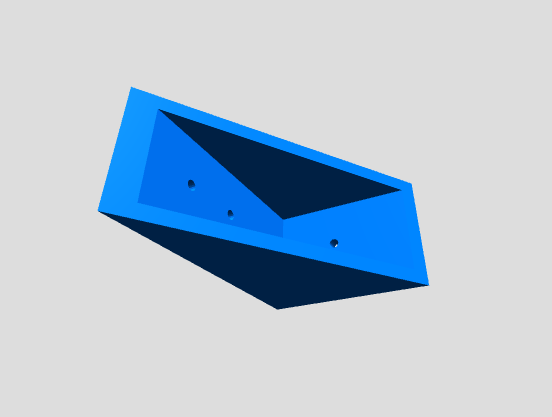
90° Verbinyoung with definierbarem Bohrbild (holeanzahl je Seite).
🚀 Configure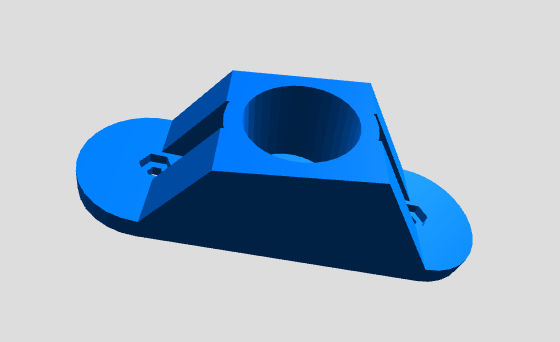
Fixiert Rohre/Leitungen clean: Innen-/Außen-Ø, angle and Strebenstärke.
🚀 Configure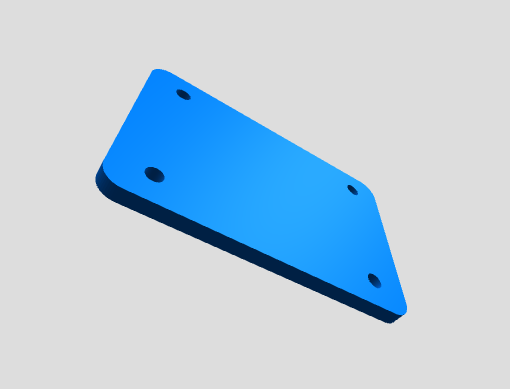
Wenn you fast eine Montagefläche brauchst: L/B/thickness + radius + hole-Ø.
🚀 Configure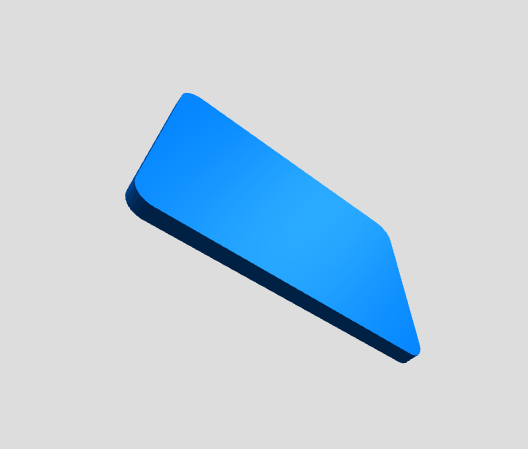
Your nächster Schritt
Open the category, select the appropriate template and enter your dimensions. No CAD, no hours of modeling - just parameters.