


Everyday repairs ·
Replace a missing watch strap keeper with a TPU loop sized for your strap
Keep the loose tip of an already fastened watch strap in place. Measure both strap layers, configure the closed TPU keeper and print your custom STL.
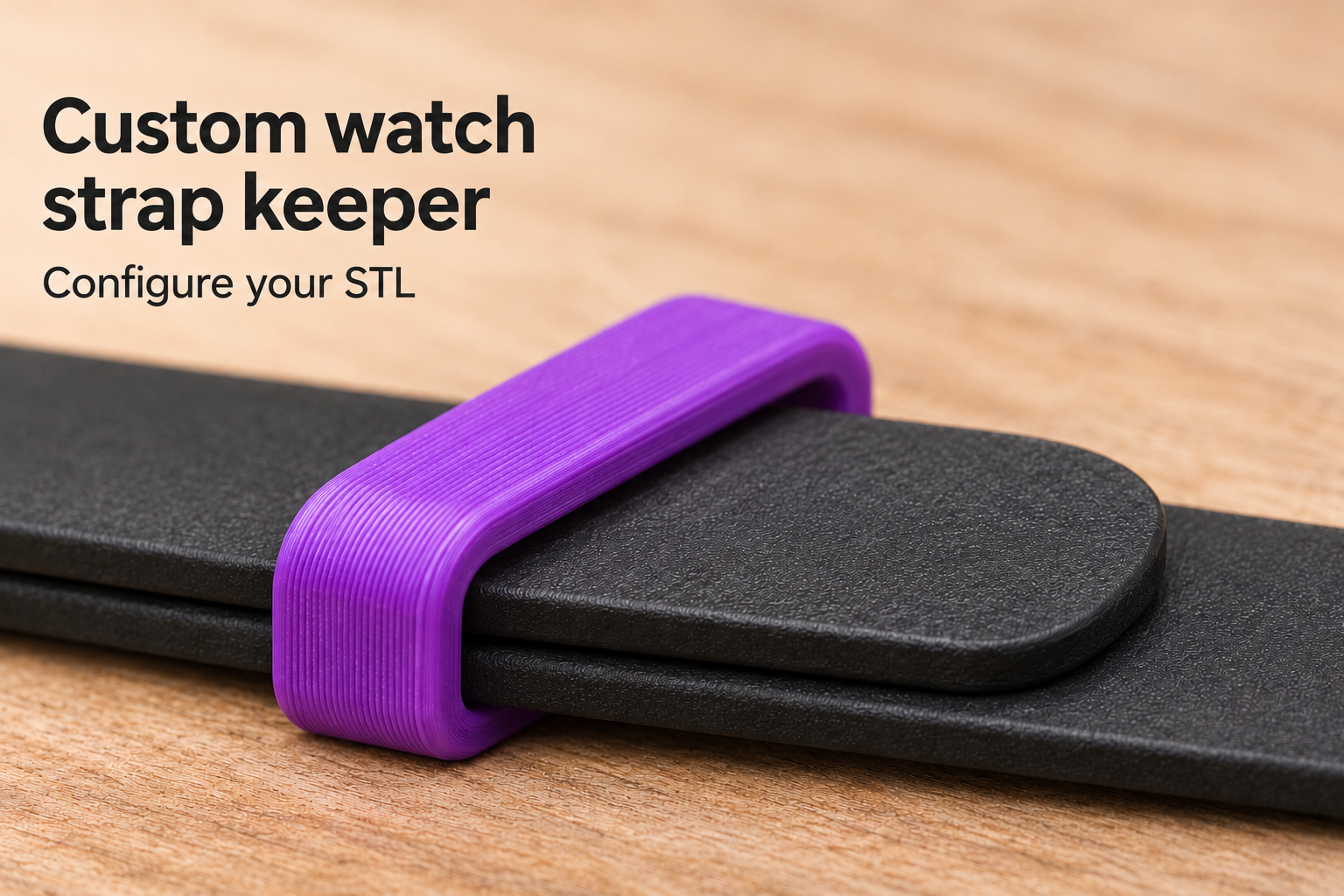
A loose strap tip does not always mean you need a new strap
When a watch strap keeper breaks or disappears, the buckle may still work perfectly while the free tip sticks out. This custom TPU loop addresses that small but inconvenient problem. Its closed, rounded rectangular opening goes around both the underlying strap and the overlapping loose end, keeping the tip close to the band.
The part only retains that loose end. It does not replace the buckle, a spring bar or any structural connection holding the watch on your wrist. First check that the original fastening remains sound and that the missing keeper is the problem you actually need to solve.
Measure the strap where the keeper will sit
Start with the strap width at the intended keeper position. Clear inside width is adjustable from 12 to 30 mm. A tapered strap can be narrower here than at the watch case, so a nominal lug-width measurement alone is not enough. Choose gentle clearance and allow for the fit your printer produces.
Next, place the free end over the underlying strap as it sits when fastened and measure the combined thickness. The available clear inside height is 3 to 8 mm. Measuring just one layer would leave too little space for the actual stack. Finally, choose the axial keeper width, meaning its length along the strap, between 5 and 12 mm.
The defaults are 20 mm inside width, 5 mm inside height and 7 mm axial width. These are starting dimensions, not a compatibility claim for a particular watch. The model has a fixed 1.5 mm wall thickness.
Check how you will fit the closed ring
This keeper has no side opening or snap closure. It must slide over a suitable free strap end. Check that access before purchasing or printing the file. Do not force the ring over an oversized buckle; if there is no suitable fitting route, this closed-ring design is not appropriate for that strap.
Print, fit and inspect the result
The model suggests TPU 95A, 0.2 mm layers and at least four perimeters as a starting point. Keep the STL orientation, printing on the annular end face. Smooth any irritating edges on surfaces that may touch skin. Once fitted, feed the loose tip through the opening on top of the lower strap. Both layers should fit without being squeezed, while the keeper should still retain the tip during ordinary movement.
Check the finished print against your own strap rather than relying on the nominal settings alone. The image is an AI application visualization, not a photograph of a physical test print; the watch and strap are not included. Configure the keeper using your measured dimensions and purchase the STL for home printing.
Next step