


STL tutorials ·
Mirror an STL for the opposite side
Create a mirrored version of a part and position the mirror plane directly on the model.
Deutsch · English · Français · Español
Create a mirrored version of a part and position the mirror plane directly on the model.
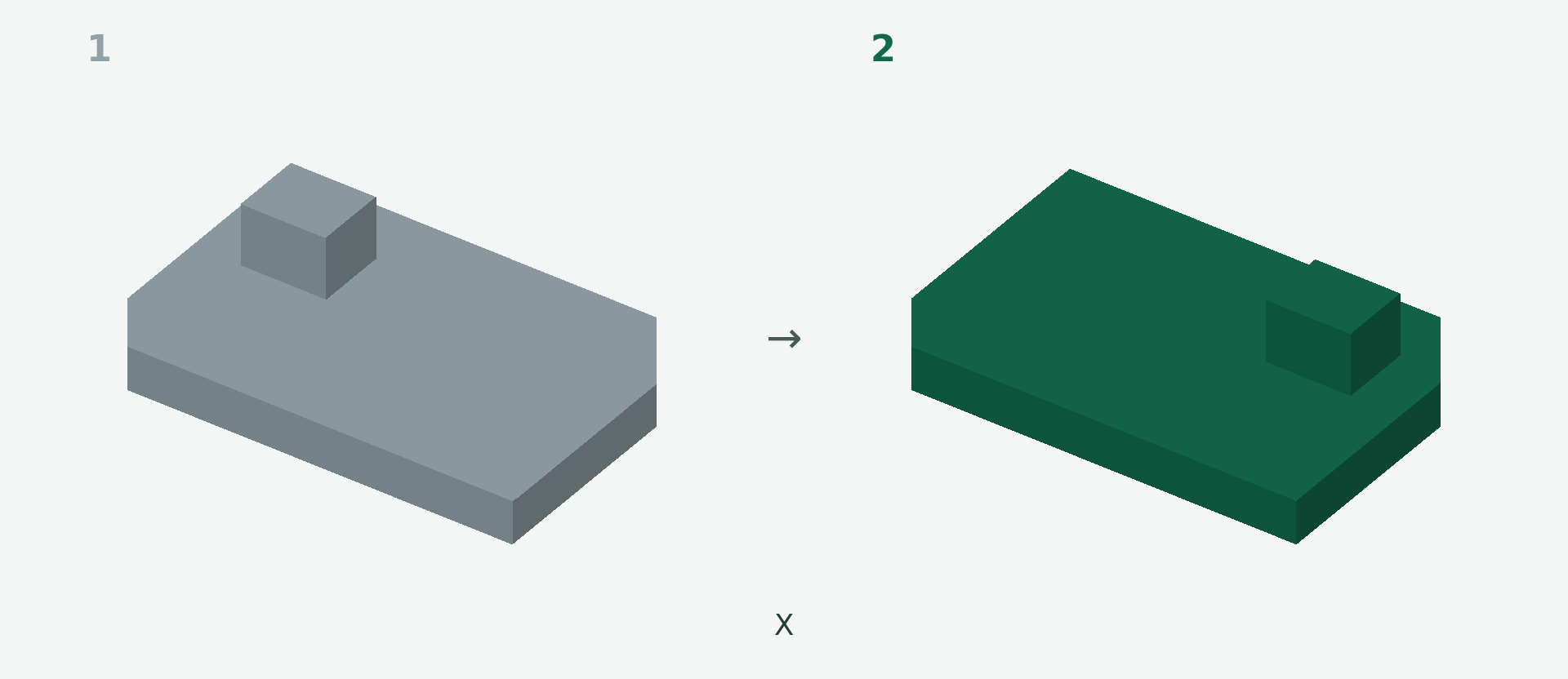
Rendered example views: 1 shows the original model and 2 the calculated result. The images illustrate the model geometry, not the editor interface.
A simple example
An asymmetric bracket needs to fit the opposite side of a housing.
Step by step
- Upload the model, open the editor and choose Mirror.
- Select a preset plane or click a model face as the reference.
- Move or rotate the plane if needed. Watch the preview update.
- Check that the correct opposite-hand shape appears, then apply.
What to check
The entire model is mirrored, including lettering and threads. This operation does not place an extra copy beside the original.
Preview and save
A preview is not a saved change. Wait for the checked result and choose Apply. If the button is disabled, read the message and check the selection or inputs. The offered STL download is paid; you will see the current price before purchase.
Nächster Schritt