


Gears & Mechanical Parts ·
How to Calculate Gear Module and Generate a Custom 3D-Printable Gear
Measure an existing spur gear, calculate its module and configure a custom replacement online. This practical guide explains the formulas, common mistakes and available gear generators.
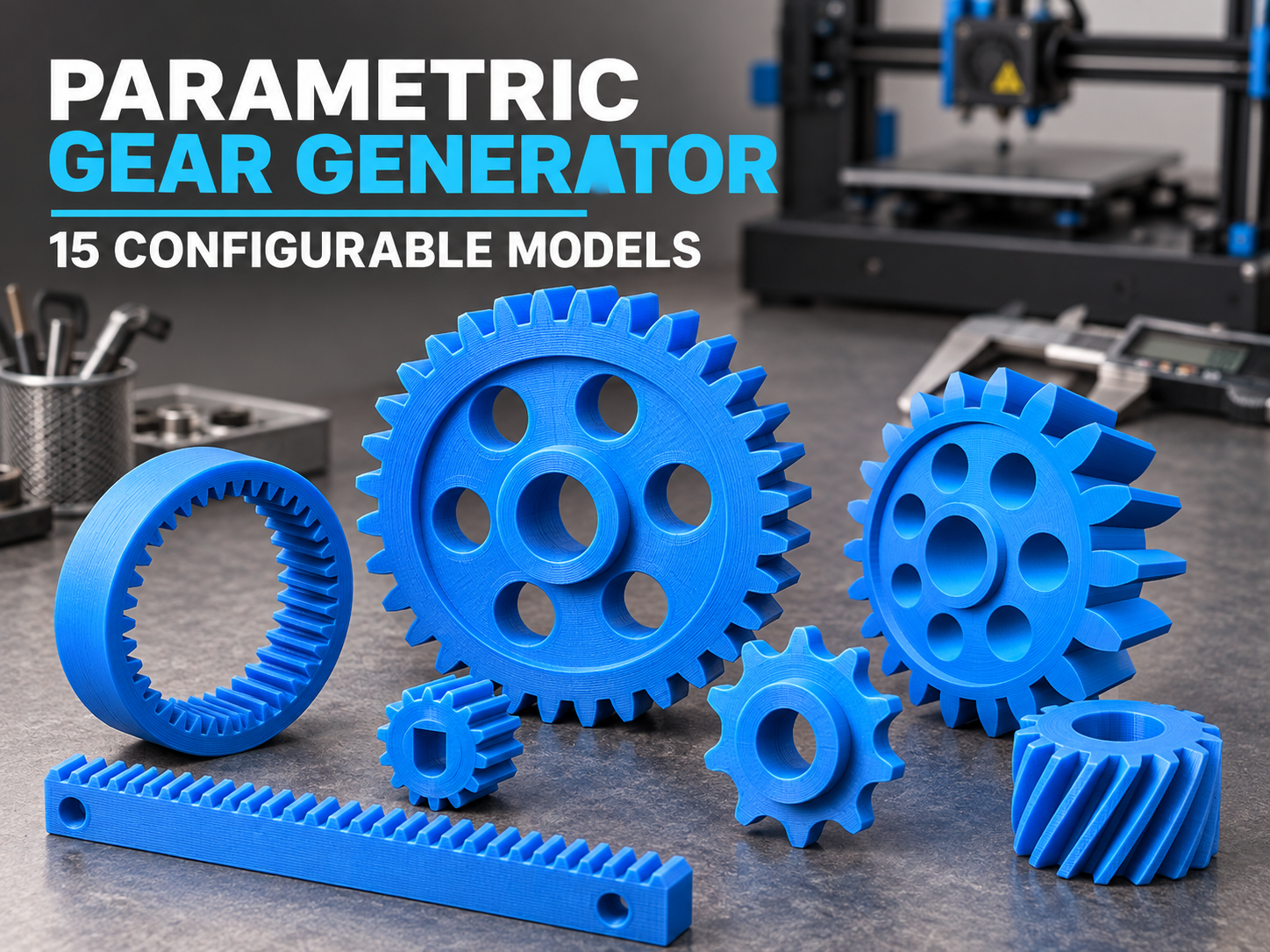
A worn or broken plastic gear can stop an otherwise functional machine. Finding an original replacement is often difficult, especially when the manufacturer no longer supplies the part. A parametric gear generator offers another route: identify the important dimensions, enter them online and create a gear that matches your application.
The BuildYour3D gear collection currently includes 15 configurable models, covering common parts such as involute spur gears, compound gears, internal ring gears, gear racks, sprockets and helical gears. This guide shows how to select the right model and how to calculate the module of a standard spur gear.
What is gear module?
The module describes the size of metric gear teeth. It is measured in millimetres and is one of the most important values when matching two gears. A larger module means larger teeth. Two gears intended to mesh normally need the same module and pressure angle.
If the pitch diameter is known, the formula is:
m = d / z
- m = module in millimetres
- d = pitch diameter in millimetres
- z = number of teeth
The pitch diameter is an imaginary working circle and is difficult to measure directly on an existing gear. In practice, the outside diameter is usually easier to measure.
How to calculate module from outside diameter
For a standard external spur gear without profile shift, use this practical formula:
m ≈ da / (z + 2)
- da = outside diameter measured across the tooth tips
- z = number of teeth
Example calculation
An existing gear has 20 teeth and an outside diameter of 44 mm:
m ≈ 44 / (20 + 2) = 2 mm
The likely module is therefore 2. Common module sizes are preferred, so a calculated result such as 1.97 mm may indicate a nominal module of 2 mm. Measure several times with a calliper and check the mating gear before generating the final model.
Calculate the centre distance of two spur gears
For two standard external spur gears with the same module, the approximate centre distance is:
a = m × (z1 + z2) / 2
For example, two module 2 gears with 20 and 30 teeth require a theoretical centre distance of:
a = 2 × (20 + 30) / 2 = 50 mm
The actual assembly may need a small amount of operating clearance. Printed gears should rotate freely without forcing the tooth flanks tightly together.
When the outside-diameter formula does not work
The shortcut above is useful, but it is not universal. Do not rely on it without further checks when measuring:
- an internal ring gear
- a helical or double-helical gear
- a heavily worn or damaged gear
- a profile-shifted gear
- a non-standard tooth form
- a chain sprocket
A chain sprocket is defined by chain pitch, roller diameter and tooth count rather than involute gear module. Helical gears also require compatible helix geometry. If possible, measure the mating component and compare several dimensions instead of relying on a single value.
Which gear generator should you choose?
- Involute spur gear: the standard choice for parallel shafts and straightforward rotary motion.
- Compound gear: two gear stages combined into one component.
- D-shaft motor gear: useful for small motors with a flattened output shaft.
- Internal ring gear: intended for compact drives and planetary gear arrangements.
- Gear rack: converts rotary movement into linear movement.
- Roller-chain sprocket: designed around chain pitch and roller dimensions.
- Helical gear: offers gradual tooth engagement when the complete gear pair is designed correctly.
Depending on the selected configurator, you can adjust values such as module, tooth count, width, bore diameter, hub size, D-shaped shaft bore or helical geometry.
How to measure a replacement gear
- Count the teeth: mark the first tooth so it is not counted twice.
- Measure the outside diameter: use a calliper and measure across undamaged tooth tips.
- Calculate the likely module: use m ≈ da / (z + 2) for a standard external spur gear.
- Measure the width: record the usable toothed width, not only the hub.
- Measure the shaft connection: check the bore, D-flat, keyway, hub and fixing method.
- Check the mating gear: confirm module, tooth form and centre distance whenever possible.
Allow for 3D-printing tolerances
A nominally identical bore and shaft diameter may create an overly tight fit. The required clearance depends on the printer, material, layer height, part orientation and intended assembly. Start with a test piece when the fit is critical. Also remember that print orientation affects tooth quality and strength between layers.
Printed gears can work well in prototypes, demonstrations, hobby mechanisms and many non-safety-critical repairs. They should not be treated as automatically suitable for vehicle controls, lifting equipment, protective systems or any application where failure could injure someone or cause major damage.
Generate your custom gear online
Choose a gear type, enter the required dimensions and configure your model directly in the browser. The collection includes options for simple gears, compound gears, shaft-specific bores, racks, sprockets, internal gears and helical designs.
Nächster Schritt