

STEP File ·
Upload a STEP File Online – Check if Your STEP File Is Ready for 3D Printing
Upload your STEP or STP file online and automatically check whether it is suitable for 3D printing. Analyze your CAD model, receive instant feedback and order professional 3D printing in minutes.
🔍 Upload Your STEP File in Seconds
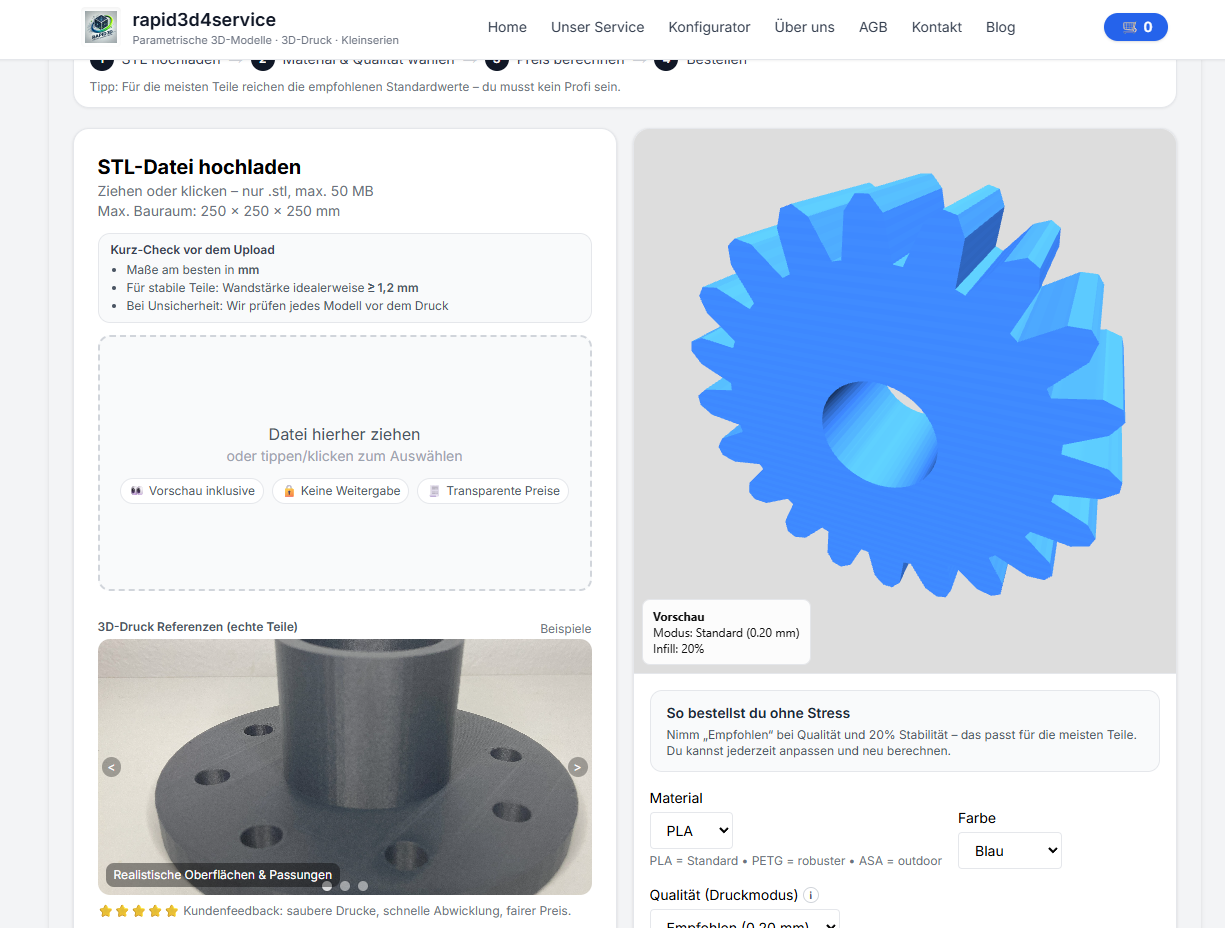
Already have a STEP or STP file? Upload it directly to our online analyzer to check whether your CAD model is suitable for 3D printing. After the automatic analysis you can calculate the price instantly and place your order.
- Upload your STEP or STP file.
- Automatic printability analysis.
- Review the generated preview.
- Calculate the price and order online.
Upload STEP Files for 3D Printing
STEP (ISO 10303) is one of the most widely used CAD exchange formats in engineering and product development. It is supported by software such as SolidWorks, Autodesk Fusion 360, Inventor, CATIA, Siemens NX, Solid Edge, Creo, FreeCAD and many other CAD systems. Instead of converting your model manually, simply upload your STEP file and let our system analyze it automatically.
Automatic STEP File Analysis
Our online service checks whether your CAD model can be prepared for 3D printing. After the upload, the geometry is analyzed and converted where possible. Once the analysis is complete you can select material, print settings and receive an instant online quote.
Why Use Our Online STEP Analyzer?
- ✅ Upload STEP and STP files directly
- ✅ Automatic printability analysis
- ✅ Instant online pricing
- ✅ No CAD software required
- ✅ Professional 3D printing service
- ✅ Fast upload and ordering process
Supported CAD Software
- SolidWorks
- Autodesk Fusion 360
- Autodesk Inventor
- CATIA
- PTC Creo
- Solid Edge
- Siemens NX
- FreeCAD
- Onshape
Why Upload a STEP File Instead of Converting It?
A STEP file contains precise CAD geometry and is often the preferred engineering format. Our upload tool supports STEP directly, eliminating unnecessary conversion steps before checking whether the model is suitable for 3D printing.
Typical Applications
- Mechanical engineering
- Replacement parts
- Functional prototypes
- Industrial components
- Product development
- Jigs and fixtures
- Custom plastic parts
- Small batch production
Frequently Asked Questions
Can I upload a STEP file directly?
Yes. STEP and STP files can be uploaded directly without converting them to STL first.
Do I need CAD software?
No. Simply upload your STEP file and our online system performs the analysis automatically.
Can I get an instant quote?
Yes. After the analysis you can choose the material and calculate the 3D printing price immediately.
Which file formats are supported?
In addition to STEP and STP, the upload tool also supports STL, OBJ, 3MF, IGES and several other common 3D formats.
Upload Your STEP File Today
Check whether your STEP file is ready for 3D printing, receive an instant quote and order your custom 3D printed part online.
Nächster Schritt